For graphic installation owners
Know your margin before the invoice goes out.
You built this company on installs done right. Now you want to know what each one actually earned, and whether the next quote will earn the same. That is a fair question, and it deserves a real answer.
CrewCor keeps the quote, the schedule, the approved proofs, the safety records, and the actual costs on one job record. You see margin by job, client, and service while there is still time to change the next bid.

A day with CrewCor
Here is how the day runs once the work lives in one place.
6:45 AM
Open the morning view
See what is scheduled today, what is still waiting on a date, and which jobs have a return trip or an open approval.
9:00 AM
Check the quote before it goes out
Build pricing from your own rate schedules and send one approval link, so the client signs off on the scope your crew will actually install.
12:30 PM
Review margin on finished work
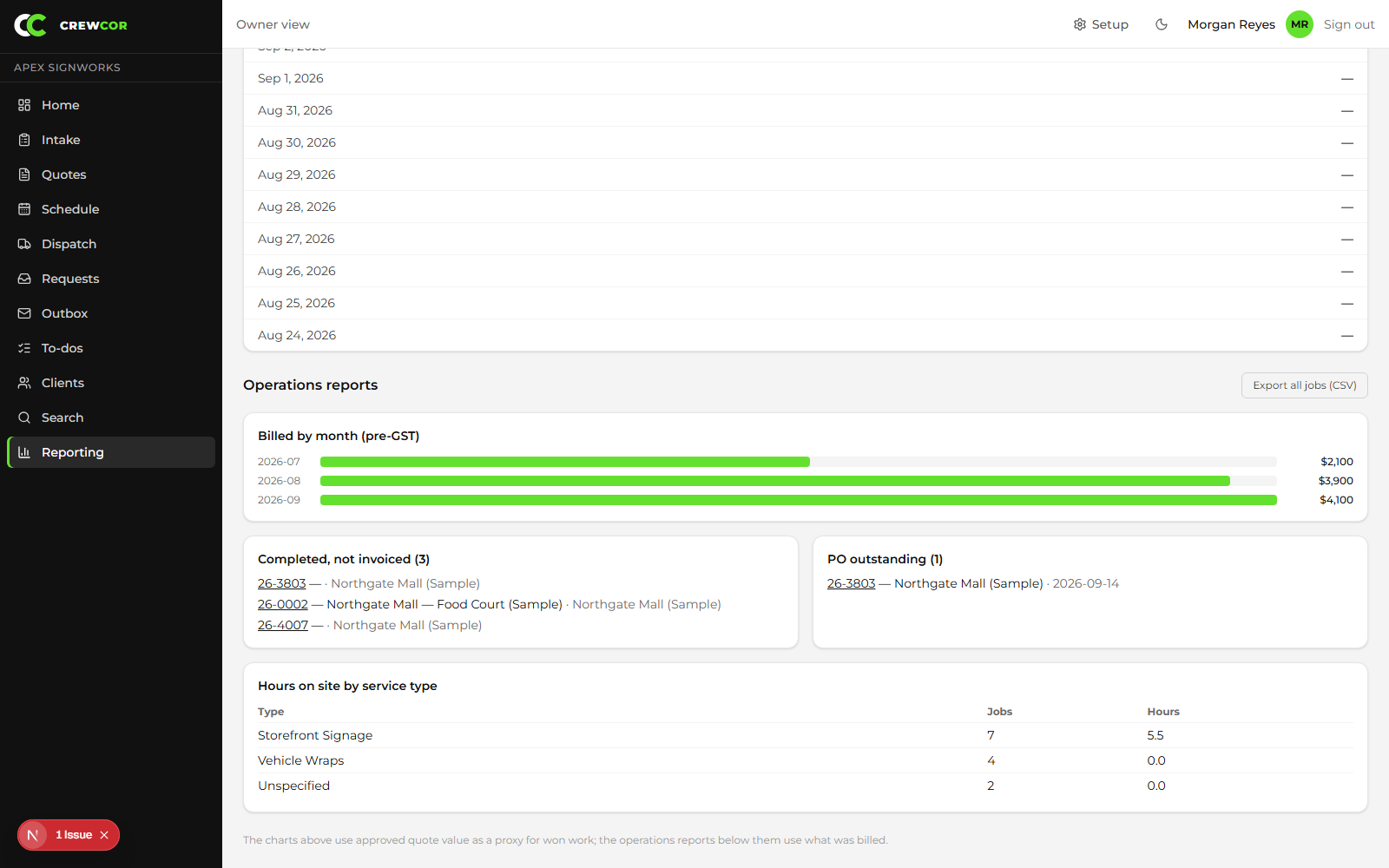
Compare estimated and actual labor, materials, and return trips by job, client, and service type.
6:30 PM
Close the laptop
Completed work is already in the ready-to-invoice queue. Nothing is waiting in a crew member's phone for you to chase.
What you stop doing
The work that keeps pulling you off the job.
- Chasing crew hours at the end of the week
- Rebuilding a quote from memory of the last similar install
- Learning about a return trip after the invoice has gone out
- Keeping job costs in a spreadsheet nobody updates

The benefits, in detail
What you actually get, job by job.

01
Price every install against what it really cost
Estimated and actual labor, materials, equipment, travel, and return trips sit on the same job. See gross margin by job, then roll it up by client and service type, so the next quote starts from real numbers.
02
Catch margin leaks while there is still time
Return trips and outside-scope work are flagged at closeout instead of being discovered on the invoice. Extra visits stop quietly eating profit.
03
Get finished work billed sooner
Completed jobs move into a ready-to-invoice queue. With the optional QuickBooks Online sync, invoice totals, PO numbers, and notes travel with the job instead of being retyped.
04
Settle disputes with records, not memory
Signed FLHAs, client sign-off, before-and-after photos, and actual hours stay on the job, so a completion question has a documented answer.
What changes for you
- Quote from the real scope and get client approval online
- See every crew and open job on one schedule
- Track labor, materials, and return trips against each job
- Move completed work toward billing faster
Run your next install with more clarity.
Try CrewCor free for 14 days, running your own jobs.
Start your 14-day free trial