Invoicing
Billing that follows the job, not a spreadsheet.
Use the optional QuickBooks Online sync when it fits your workflow, so invoice totals, PO status, and what's still owed live next to the job they came from.
Demo workspace · Apex Signworks83 jobs this week5 active crewsAttention flags stay visible
Built for the office and the fieldClear next steps on every jobNo extra app for your clients
Optional QuickBooks Online sync
Connect when you are ready. Services can be mapped and invoice totals sync back to the job automatically, every night.
PO tracking
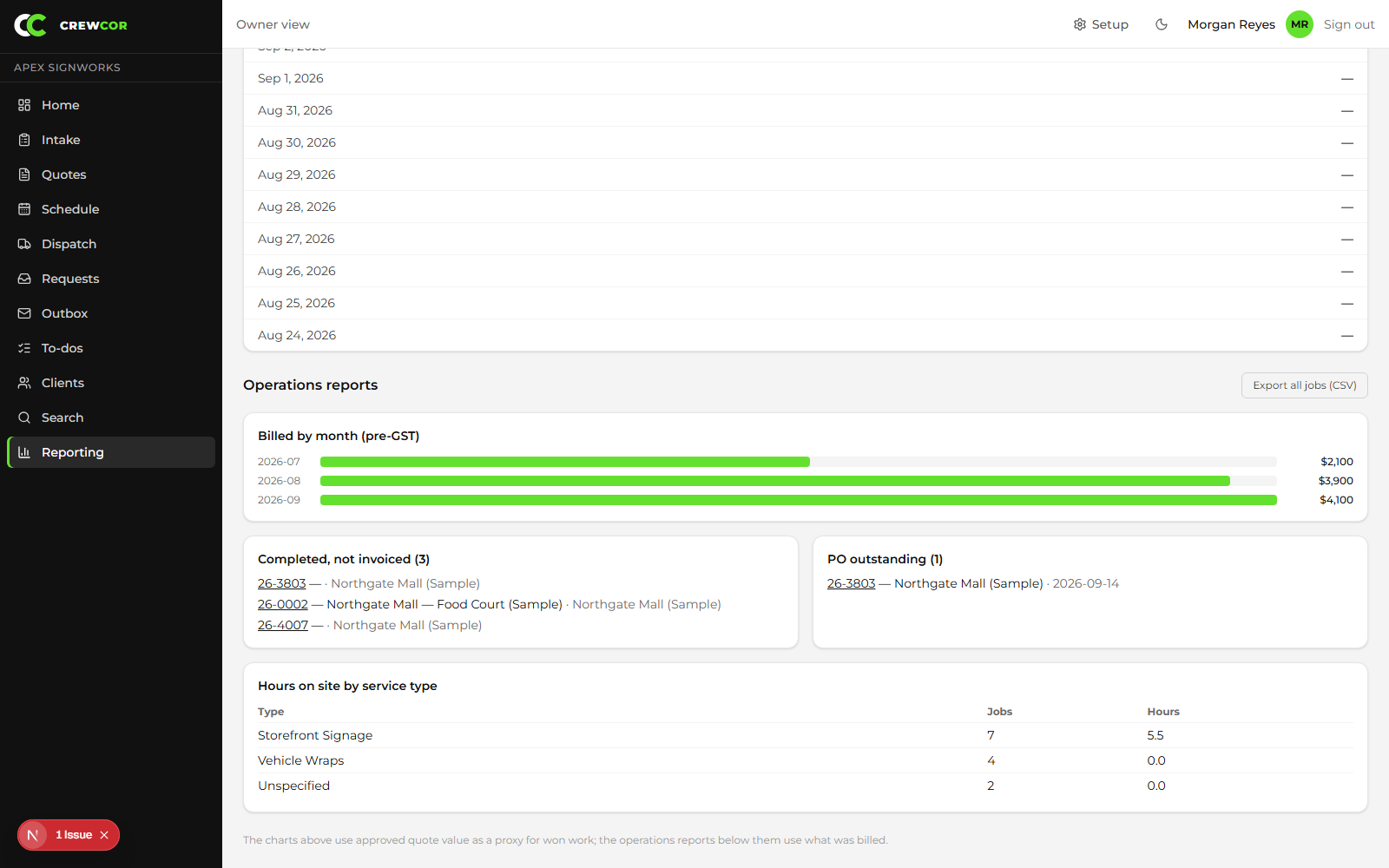
See which completed jobs are still waiting on a purchase order before you invoice.
Billed-by-month reporting
A running view of what's actually been billed, plus hours by service type for job costing.
Who this helps
Owners
Get completed work to billing faster, with invoice totals and PO status next to the job.
Office and dispatch
Work the ready-to-invoice queue and catch incomplete jobs before they go out.
Technicians
Give the office the closeout details they need to bill, so you are not asked for them later.
Keep exploring