For sign shops and wrap companies
Keep the shop and the install crew on the same page.
Your shop makes the proof, cuts the vinyl, and keeps the files straight. Then the install happens across town, on a different day, with a different crew. That handoff is where details slip through. It does not have to.
CrewCor carries the approved proof, client files, site access notes, and material status with the job. Nobody has to ask the shop what was approved, or the crew what was delivered.
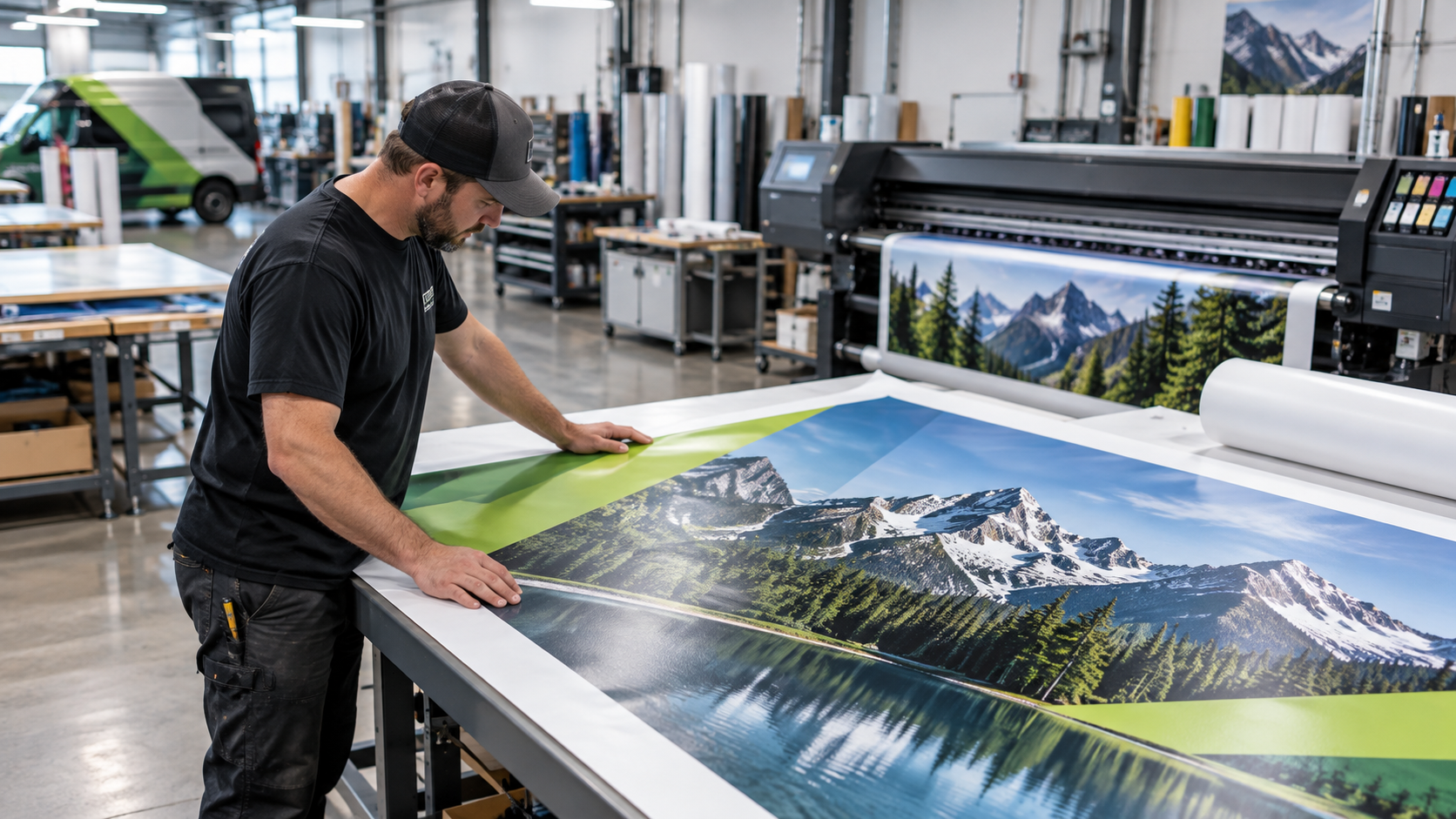
A day with CrewCor
Here is how the day runs once the work lives in one place.
7:30 AM
Check what is approved
Only approved proofs and client-supplied files move into production. Office-only notes stay with the office.
8:30 AM
Confirm materials and PO status
See which film, vinyl, and hardware is on hand for each job, and which purchase orders are still outstanding.
10:00 AM
Send the right crew to the right site
Crews, dates, and time windows come from the same schedule the shop runs from, with site directions on the job.
4:00 PM
Get the proof back to the shop
Completion photos, hours, and the client's sign-off return to the job, so the shop sees how the install went.
What you stop doing
The work that keeps pulling you off the job.
- Calling the shop to ask which proof was signed off
- Finding out at the site that a material was never ordered
- Digging for the client's latest file in old email threads
- Texting finished photos to the shop after the crew has gone home

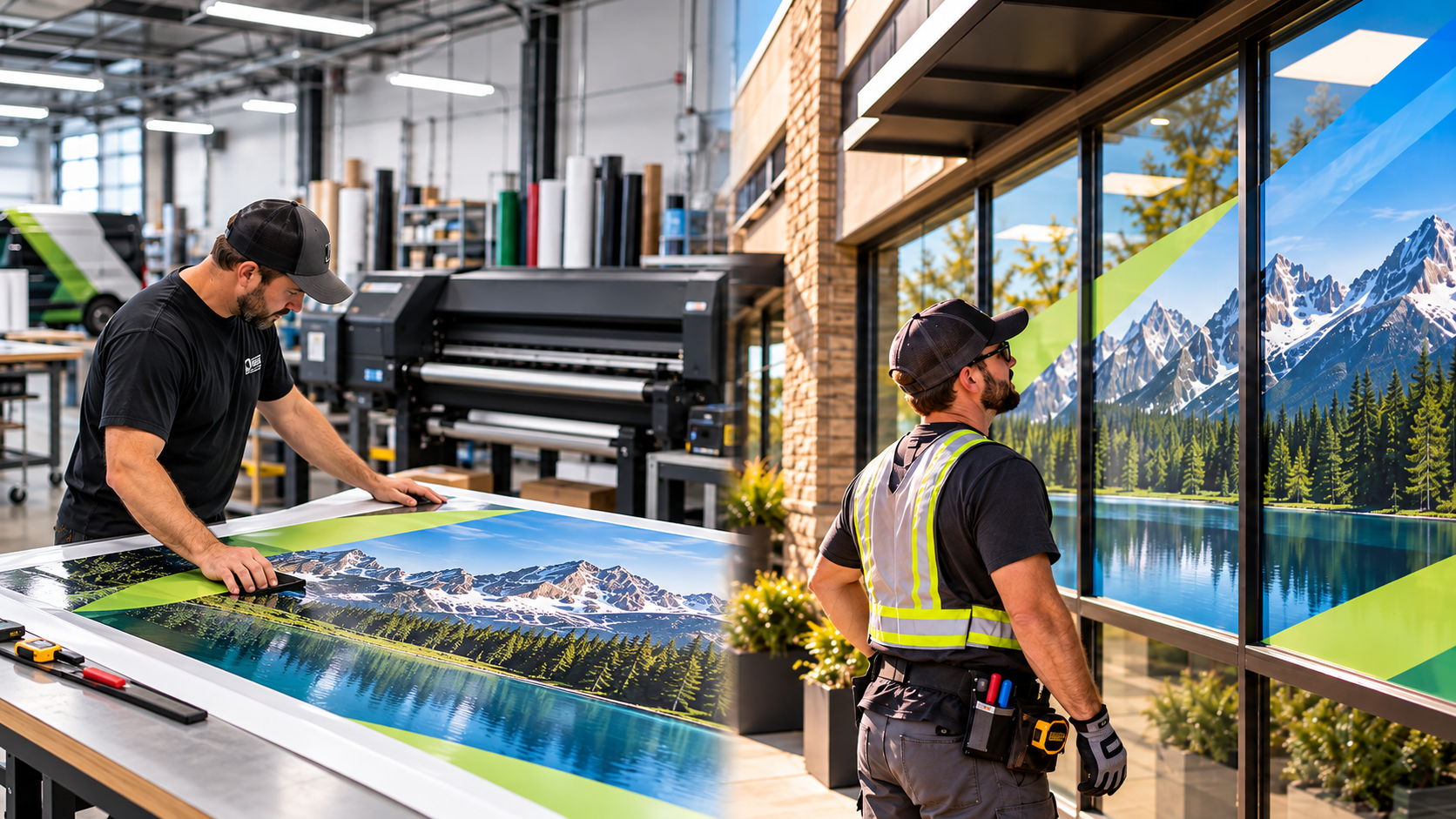
The benefits, in detail
What you actually get, job by job.
01
One set of approved files for shop and crew
Approved proofs and client-supplied files stay attached to the job. Office-only documents are kept away from field users, so the crew installs what was signed off.
02
Materials and POs ready before install day
See which materials are on hand, which are short, and which purchase orders are still open, while there is still time to fix them. Nothing turns up missing at the curb.
03
Crews dispatched from the schedule the shop runs on
Crew notifications and calendar invitations keep technicians informed automatically, so a change on the schedule reaches the people doing the work.
04
Share the finished work with the client
Before-and-after photos can go into a branded client gallery with per-photo and ZIP downloads, so the result is easy for the client to show their own team.
What changes for you
- Approved proofs and client files travel with the job
- Dispatch crews from the same schedule the shop uses
- See materials and PO status before install day
- Closeout photos and sign-off come back to the shop
Run your next install with more clarity.
Try CrewCor free for 14 days, running your own jobs.
Start your 14-day free trial