For technicians on the job
Arrive prepared. Close out before you pack up.
You are the face the client sees. You should not be hunting for the address, the latest drawing, or the safety form while they wait on the sidewalk. Everything you need for today is already in your pocket.
CrewCor puts the job in your pocket: the site details, the files, the safety steps, timers, and a closeout form built for the job site. Offline draft support keeps your notes when the signal drops.
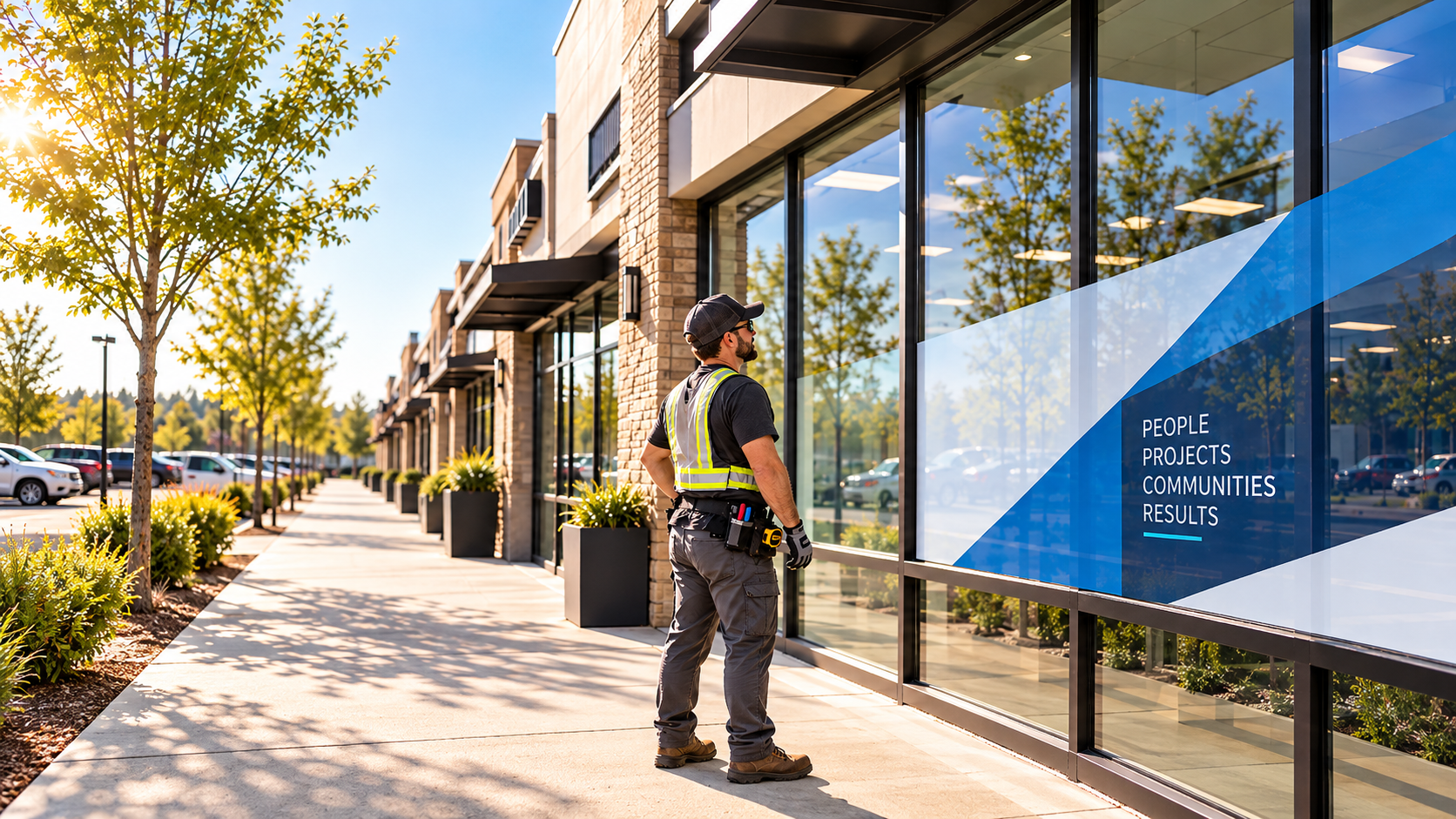
A day with CrewCor
Here is how the day runs once the work lives in one place.
Before you drive
See today's jobs
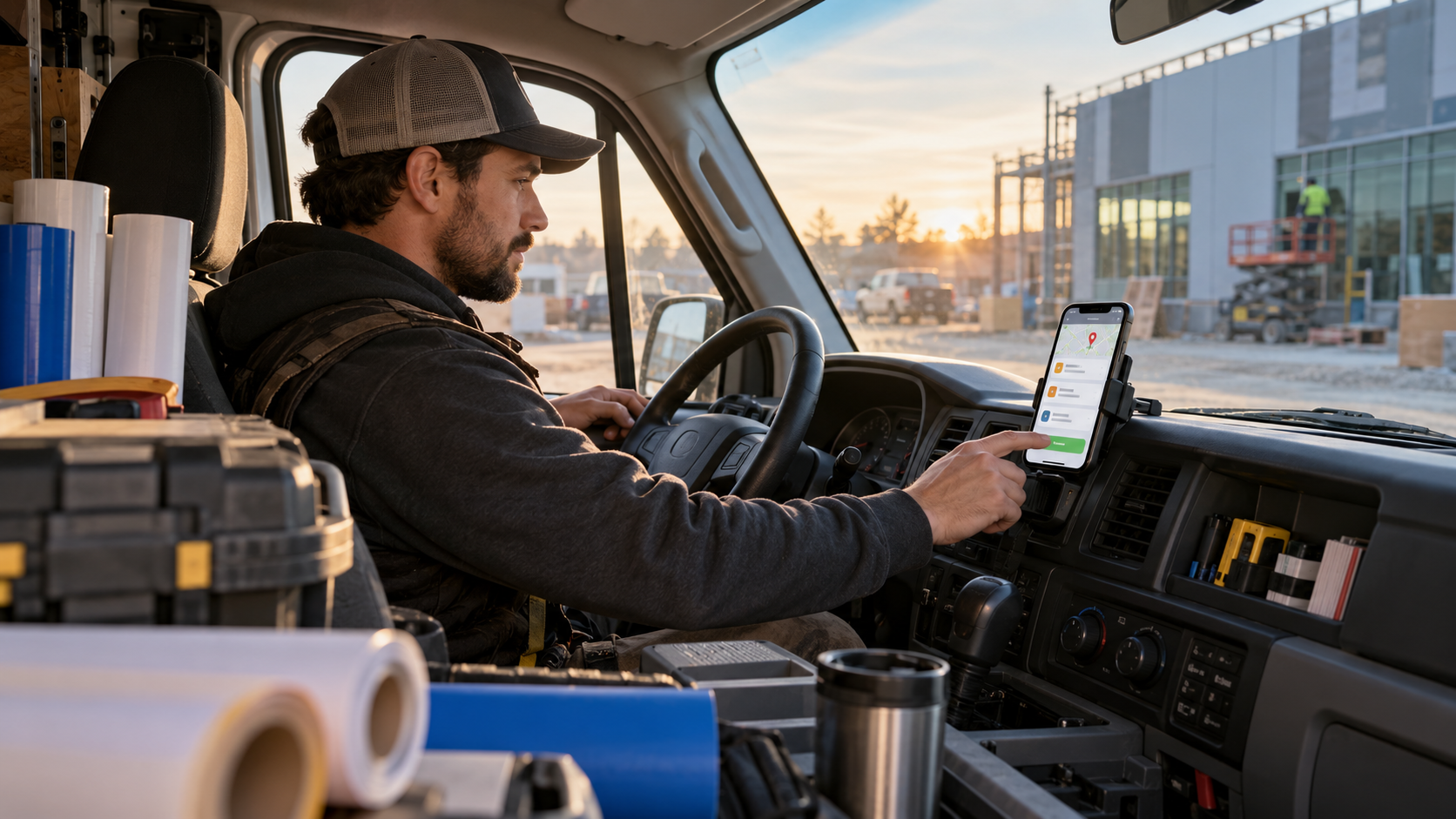
Your jobs, site access notes, contacts, and the latest drawings are on your phone before you leave the yard.
On arrival
Sign on and check safety
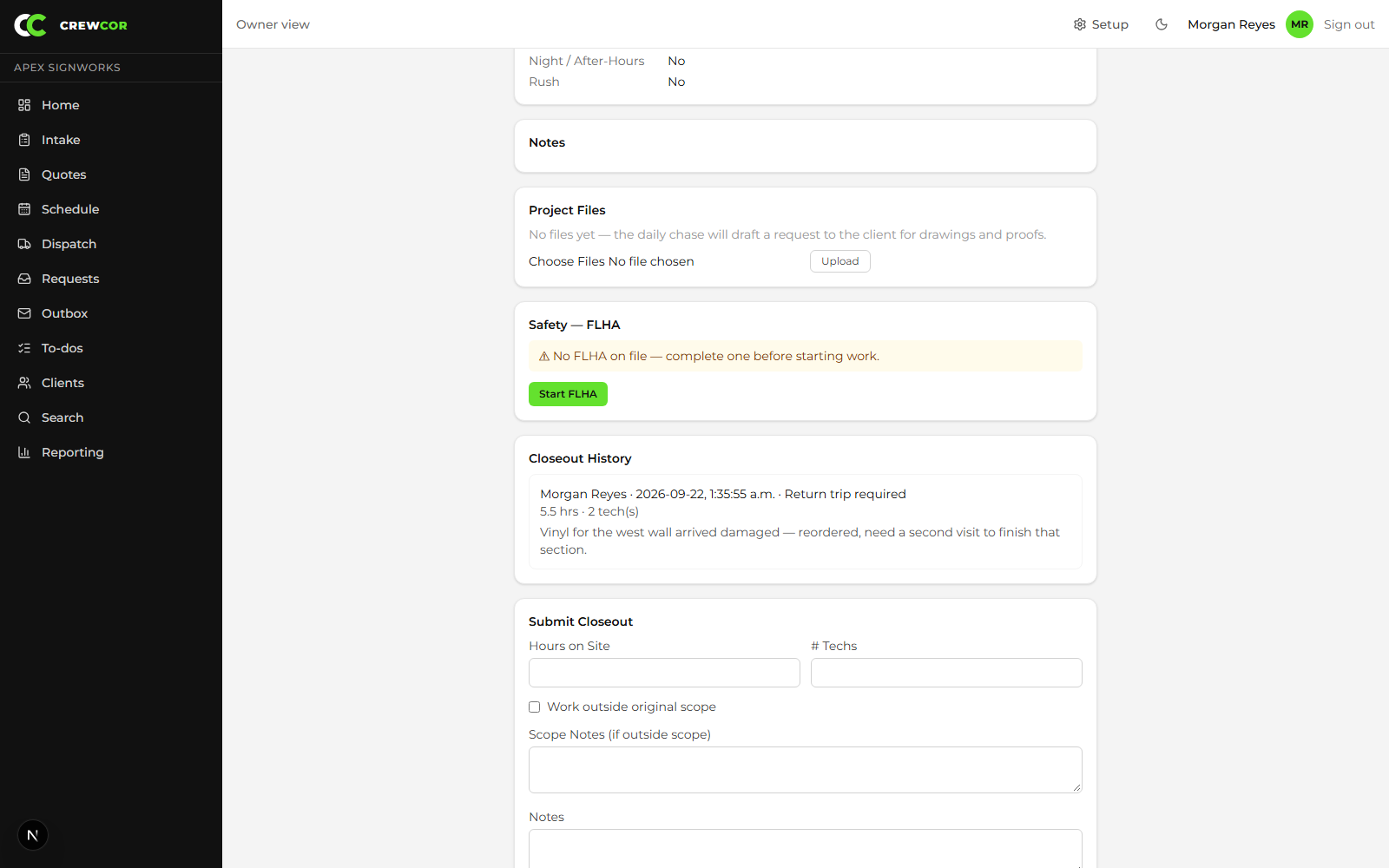
Complete the FLHA, record the crew sign-on, and confirm the safety checks before any work starts.
During the install
Log time and photos
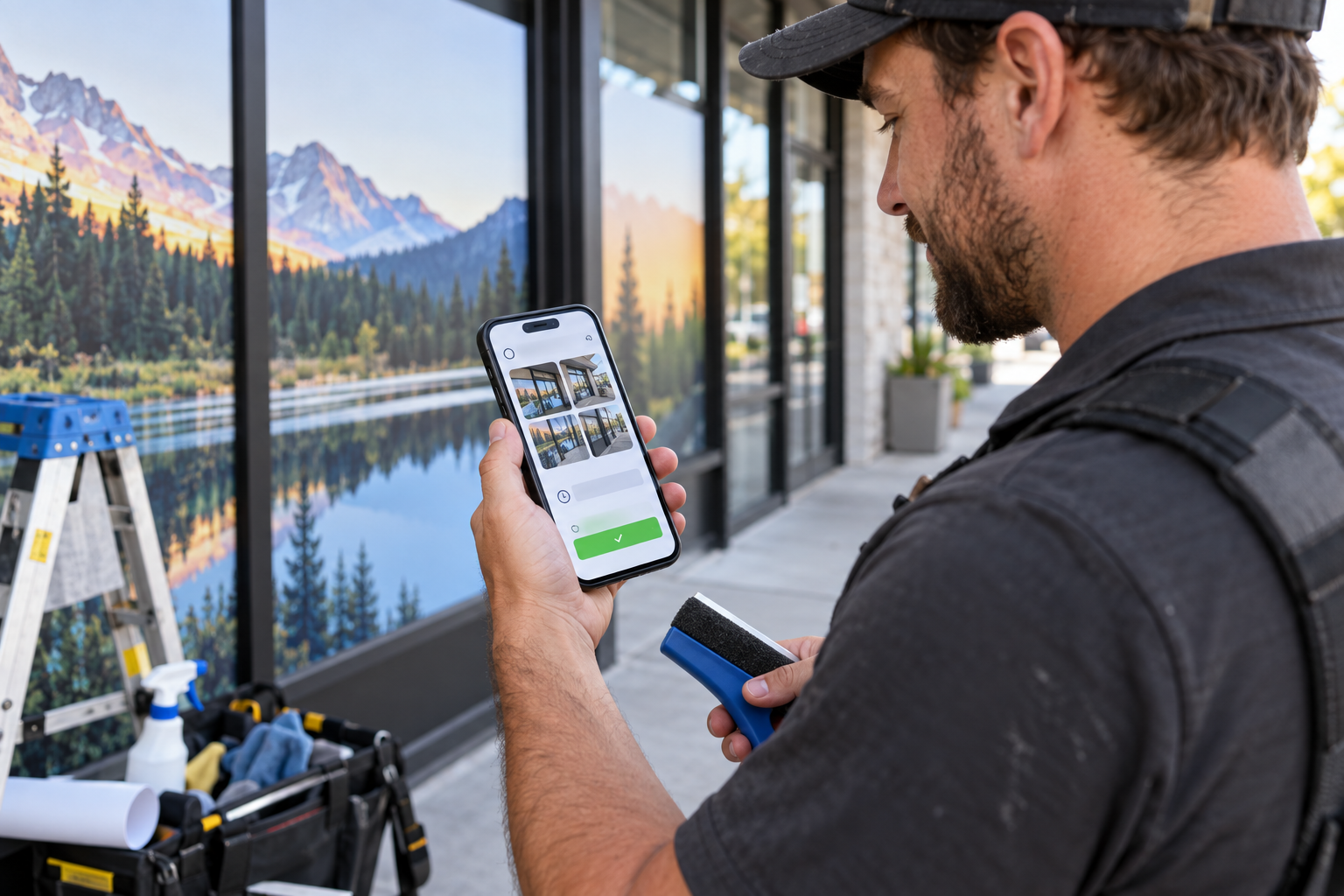
Run the job timer, add field notes, and take before-and-after photos. Offline drafts are kept if the signal drops.
Before you pack up
Submit the closeout
Record actual hours, crew count, outside-scope work, the client's sign-off, and any return trip that is needed.
What you stop doing
The work that keeps pulling you off the job.
- Calling the office for the site address again
- Writing hours on paper to re-enter later
- Losing track of which photos were before and which were after
- Leaving a site without the client's sign-off
The benefits, in detail
What you actually get, job by job.
01
Know the job before you arrive
Site access, scope, instructions, and project files are on the job page, so you start with the facts instead of a phone call to the office.
02
Safety steps happen before the work starts
The FLHA, tool inspections, crew sign-on, and caution-tape checks are built into the job, so the safety steps come first, not as paperwork at the end.
03
Hours and photos captured on site
Job timers and manual time entry record your hours, and before-and-after photos attach to the job as you take them, so the closeout is ready when you are.
04
Keep working when the signal drops
Offline draft support keeps notes and forms in progress when the connection is weak, so the work is not lost between the site and the office.
What changes for you
- Today's jobs, site access, and files on your phone
- FLHA and crew sign-on before work starts
- Timers and hours tracked on site
- Before-and-after photos and the completion form in minutes
Run your next install with more clarity.
Try CrewCor free for 14 days, running your own jobs.
Start your 14-day free trial